Repurpose One Video Across Four Platforms Without Diluting the Message
Turn one source video into channel-native versions for Instagram, LinkedIn, X, and YouTube using a repeatable adaptation matrix in DM IQ scheduler.

Repurposing fails when teams confuse duplication with adaptation. Posting the exact same file and caption everywhere saves time in the short term, but it usually hurts engagement and brand perception. Every platform rewards different pacing, hooks, and calls to action.
The better model is source-once, adapt-many. You start with one core video idea, then build tailored versions that keep the original message while respecting platform behavior. If you want the planning layer first, read [multichannel-content-calendar-template](/blog/multichannel-content-calendar-template), then use this execution framework.
Define the source asset and extraction targets
Pick one source video with a clear teaching or proof narrative, ideally 60 to 180 seconds. Before editing anything, identify four extraction targets: short hook clip, insight clip, objection-handling clip, and CTA clip. This gives structure to your editing decisions instead of random cuts.
Write one core message statement in one sentence. Every platform-specific version must preserve that statement, even if the opening line, visuals, or pacing changes. This message anchor is the key to multichannel consistency.
- Create one message anchor sentence before editing.
- Define clip targets by audience intent and funnel stage.
- Tag each clip with a primary platform goal.
Adapt hooks, captions, and CTAs by channel behavior
Instagram tends to reward visual motion and immediate emotional framing in the first two seconds. LinkedIn performs better with authority framing and practical outcomes. X benefits from concise, opinion-led framing, while YouTube Shorts favors clear promise and payoff progression.
In DM IQ scheduler, keep one master asset record, then attach caption variants and CTA variants per channel. This lets your team maintain one source of truth while preserving platform-native language. For additional tone safeguards, pair this with [cross-posting-without-looking-lazy](/blog/cross-posting-without-looking-lazy).
Build an adaptation checklist to protect quality
Create a pre-publish checklist that covers framing, pacing, subtitles, cover text, and CTA alignment. Repurposing at scale often breaks on small details like unreadable subtitles or a CTA that references a link location not available on that platform.
A consistent checklist removes guesswork and reduces revision loops. Over time, your team can identify recurring platform issues and convert them into default rules inside your scheduler templates.
- Verify opening hook matches platform norms.
- Confirm subtitle readability on mobile.
- Validate CTA destination and channel constraints.
Schedule as a coordinated campaign, not isolated posts
Repurposed videos perform best when sequenced across channels around one campaign window. For example, publish authority-first on LinkedIn, then social-proof cut on Instagram, then objection clip on X, and recap cut on Shorts. This creates reinforcement instead of randomness.
Use DM IQ scheduler queue labels to connect all variants to one campaign ID. That way your analytics review can evaluate campaign-level impact, not only per-post metrics. For advanced high-volume planning, continue with [queue-quarter-in-one-session](/blog/queue-quarter-in-one-session).
Key takeaways
- 01Repurposing means adapting, not cloning.
- 02Use one message anchor to keep all versions aligned.
- 03Store platform-specific caption and CTA variants in one scheduler record.
- 04Sequence variants as one campaign for clearer analytics.
Frequently asked questions
Do I need separate editing for each platform?
Not always, but you should at least create platform-specific hooks, captions, and CTA framing. Minor edits can deliver major engagement differences.
How many clips should come from one source video?
A practical starting point is 3 to 6 clips depending on source quality and topic depth. Quality matters more than clip count.
Can this work for B2B and B2C?
Yes. The framework is channel-behavior driven, so it works across audiences as long as messaging and proof elements match buyer intent.
Put this into practice with DM IQ.
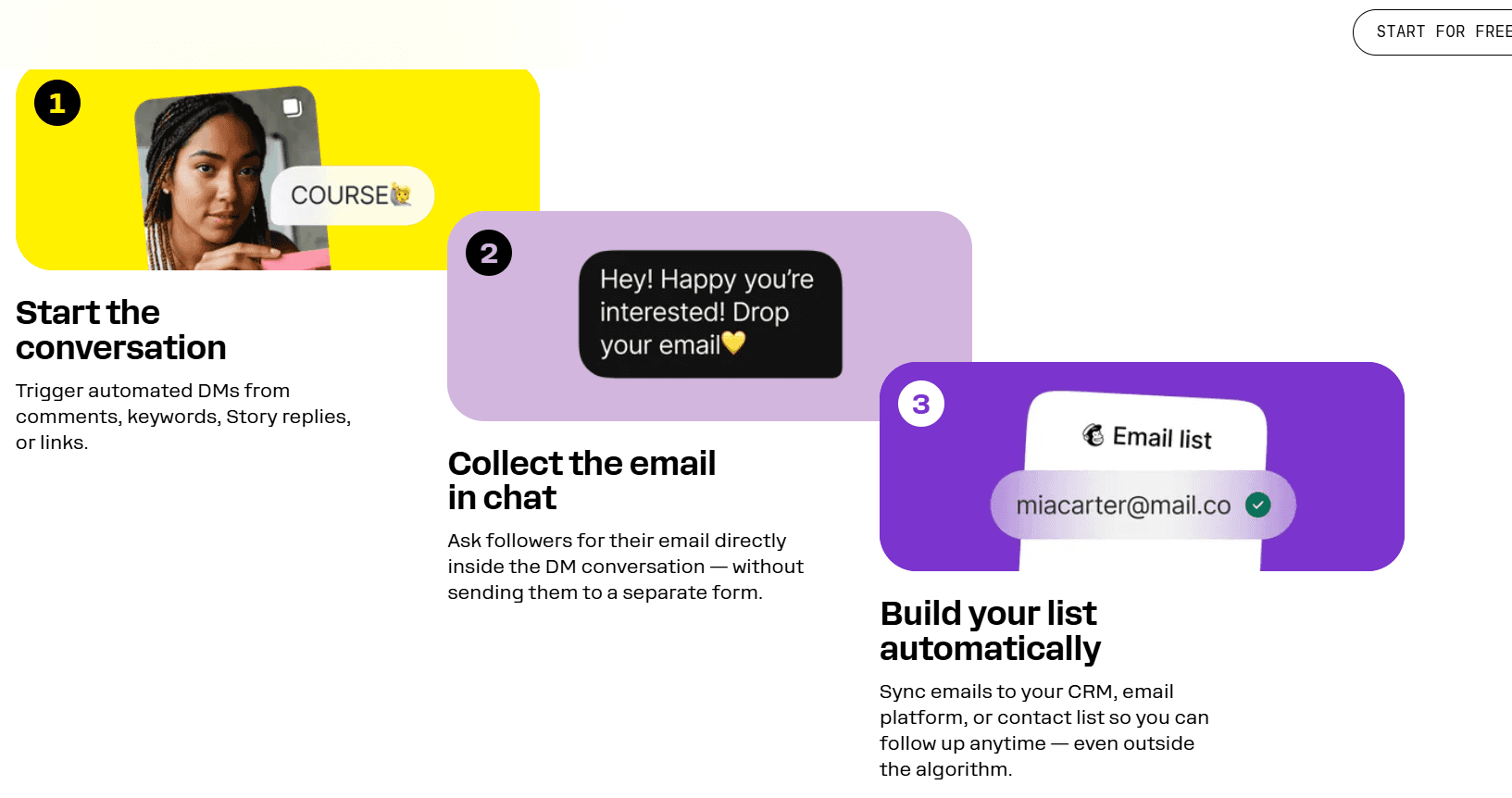
Turn comments, story replies, and DMs into automated lead-capture flows with database-ready records — no code required.
Start free →Keep reading
 Scheduler Operations
Bulk Upload Like a Pro: Multichannel Scheduler Setup for High-Volume Teams
High-volume scheduling succeeds when your upload prep is structured and repeatable.
 Quarterly Planning
Queue a Quarter of Multichannel Content in One Strategic Session
Quarter-level queueing works when you separate strategy locks from flexible slots.
Getting StartedGetting Started With DM IQ: Your First Automation in 15 Minutes
From zero to your first captured lead in about fifteen minutes.